To mirror (flip horizontally) or rotate the live video feed in the V720 app, adjust the image orientation settings directly within the app's control panel:
|
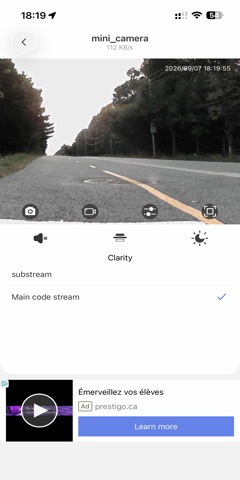
To mirror (flip horizontally) or rotate the live video feed in the V720 app, adjust the image orientation settings directly within the app's control panel:
|
"Sunatori, Go Simon" <GS.Sunatori@HyperInfo.CA> |
[Donation/Don, SVP] |